
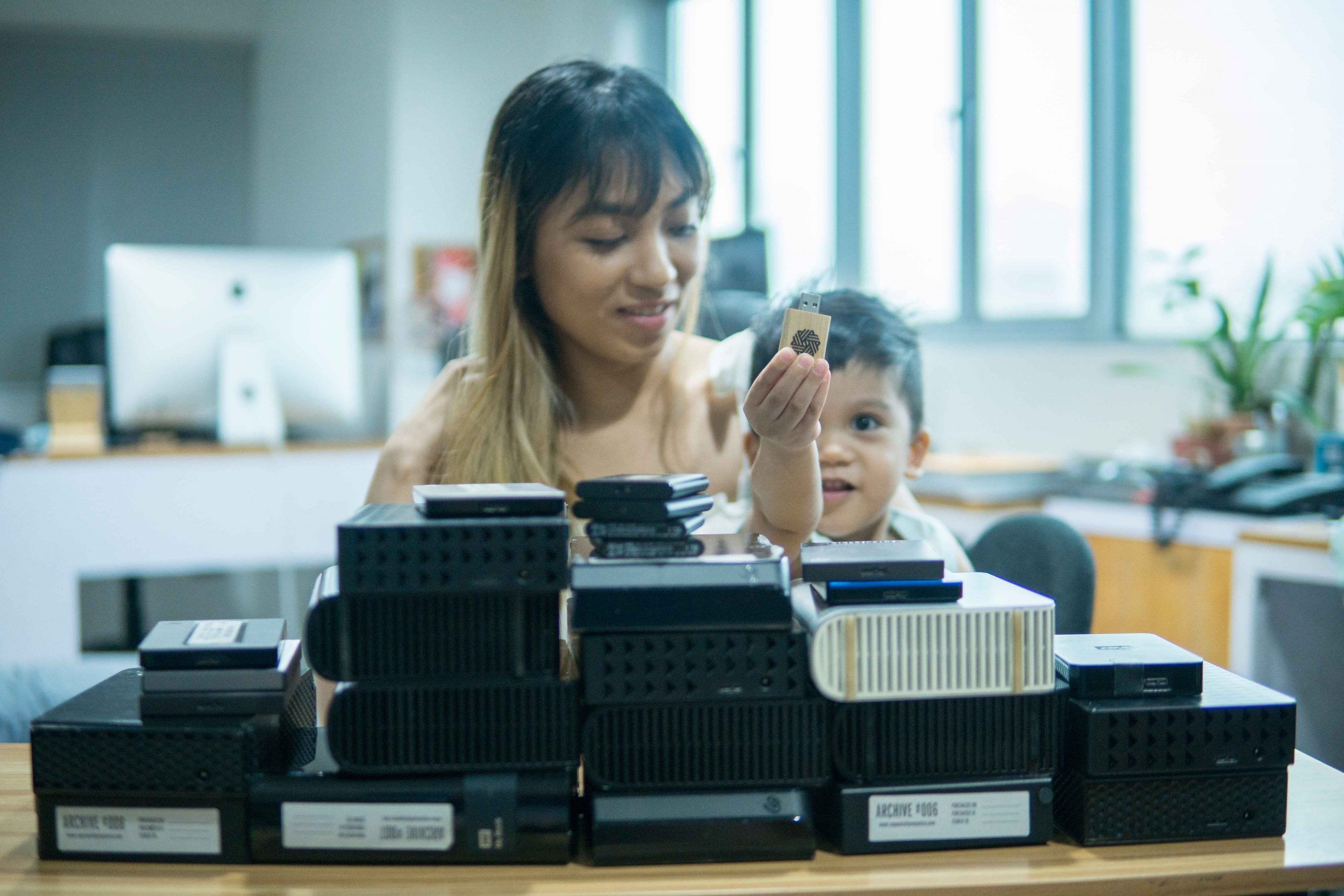
You can’t really put a price on the photos and videos you take every single day. THEY. ARE. PRICELESS. Treat them that way! 💕

Working in a video production company, we’ve learned to archive our files properly and fairly inexpensively. Loosing files for any project would have severe consequences. Other than pissing off the client, we would shoulder the cost of an entire re-shoot.
This makes me think about the precious files of our personal lives. The mundane, everyday snapshots and shaky handheld videos taken by our camera phones. And though no one else but you would be pissed if those files were to be lost today, it would be a shame to miss out on the reminiscing days with your family. And more than that, those are something you can’t re-shoot.

Now, first things first. Uploading photos to social media is technically a form of back up, but with this internet age, the lifespan of those platforms are totally unpredictable. Remember Friendster and Multiply? Besides, once you upload your photos there, those files will be heavily compressed. Loosing your file’s original quality and as we quickly move to 4k, 8k and beyond, you’ll need all the quality you can get.

Second, dumping your files in bulk in just one folder will give your future self a severe headache. You have to be systematic. For our client work, we even rename each and every shot with the production date and camera used so we never have file name duplications. I don’t expect you to do that as we don’t do that with our personal files too. But adding a little system in your life will help you and your tech savvy children navigate yor files in the future easily.

Now, for folder structure, use the YYYY.MM format for labelling. This way, your computer automatically sorts them by date. No need to put DD because that would be too tedious for personal files. In each YYYY.MM folder, add sub folders designated to each phone or camera you own.
I back up my phone and Aji backs up his phone and our mirrorless camera. For me, the sweet spot is once a month. It only takes about 10-15 minutes of my time. But during busy times and I really can’t squeeze that in, I do it every other month. Just remember, the less you back-up, the more you put your files at risk.
Also, be aware that all hard drives have fail rates. Use it too much and you risk damaging the drive. Use it too little, the same thing would happen. It’s better if you have 2 copies of your files. Maybe one copy on an HDD and one on the cloud. Or on two different HDDs stored in different locations. Bigger storage capacity HDDs are getting cheaper and cheaper. But I suggest you buy 2-3 terabytes HDDs only and just buy another one once you fill it up. Storing all your files in one big HDD will be a nightmare if that drive fails. Spread it out.
Lastly, as another form of back-up, we also made it a point to print out photo albums.


Since we are all stuck at home, we took the time to curate the best 200 photos that sums up our year and compile it in one photo album. We did 2018 and 2019 already.

An album costs about Php 1,000 and 200 pcs 4R photo paper costs Php 350. Both ordered through Lazada. We print the photos ourselves. It’s a fun family activity to go through all photos of that year and print. Rio helps out. It’s also a nice feeling to have these albums. Something you can physically touch in this digital age.


Now, start backing up so your future lolo or lola self will thank you for doing that today! 👴🏻👵🏻


